Flashing control board
Download the control board firmware from here
Download the STM32CubeProgrammer
Connect your computer to the control board using a ST-link V2 programmer
Open STM32CubeProgrammer
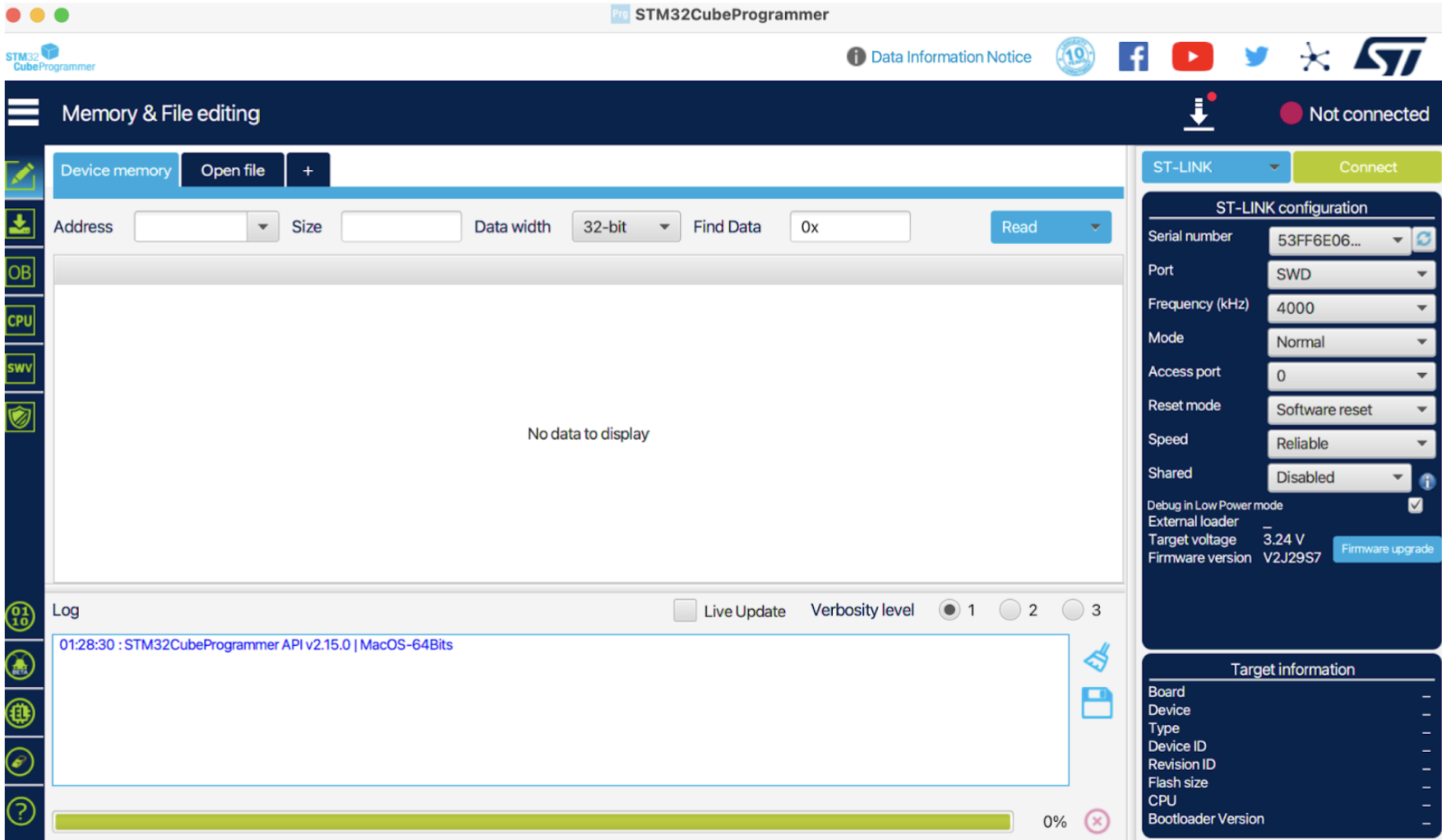
Click “Open file” and select the
SPIneV1.elffile you downloaded on step 1. You should see a screen like below: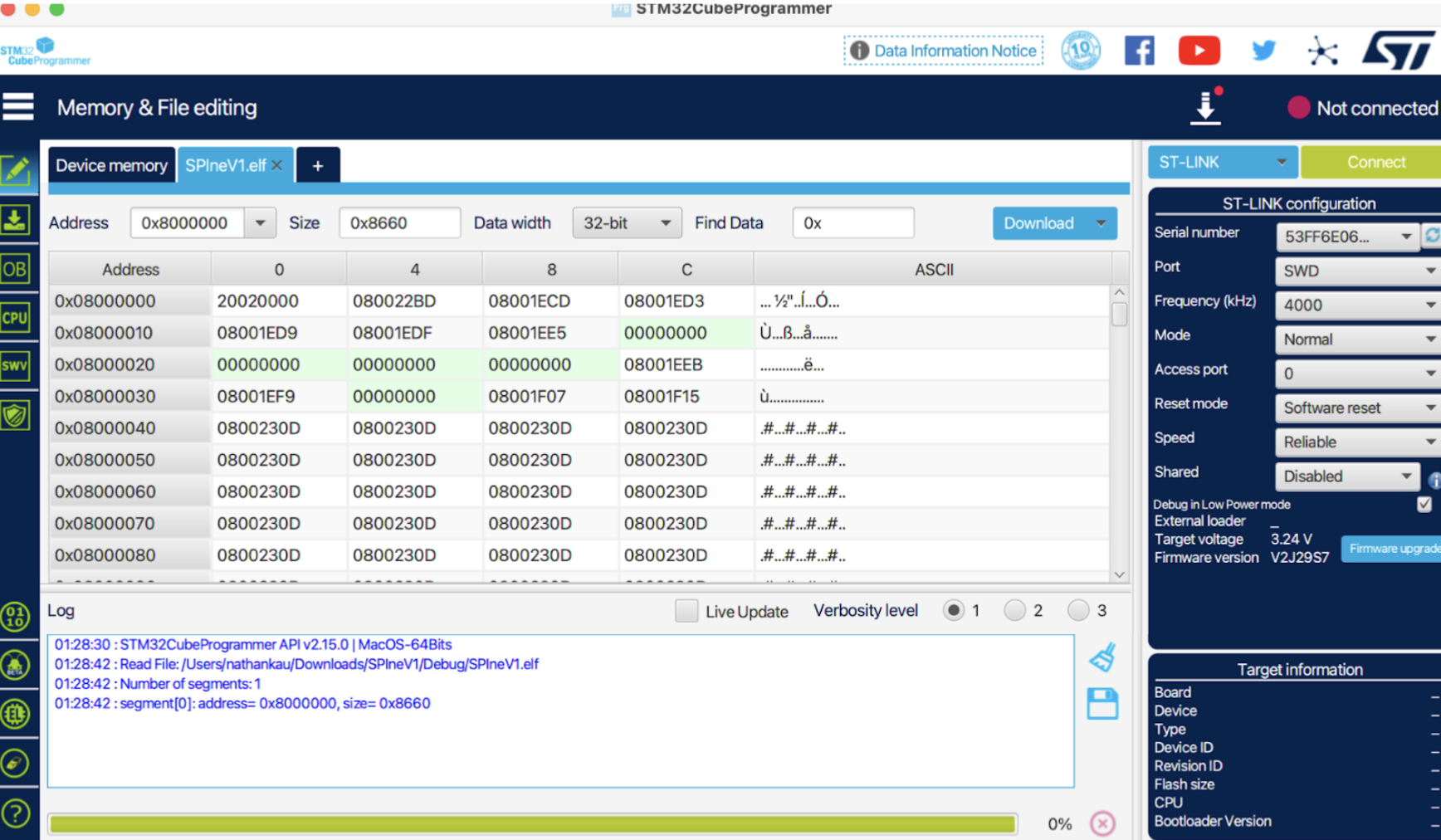
Click “Download” to flash the board
Unplug the control board from the ST-link V2 programmer and you’re done!